
Connecting via File with Connection Settings
The AmneziaVPN app offers several ways to create a connection:
- entering a key — text that starts with
vpn://...,vless//...orss://... - importing a configuration file — file in
.confor.jsonformat - scanning a QR code
Below we describe creating a connection using a configuration file in .conf or .json format.
You need to transfer the file to the connecting device in advance.
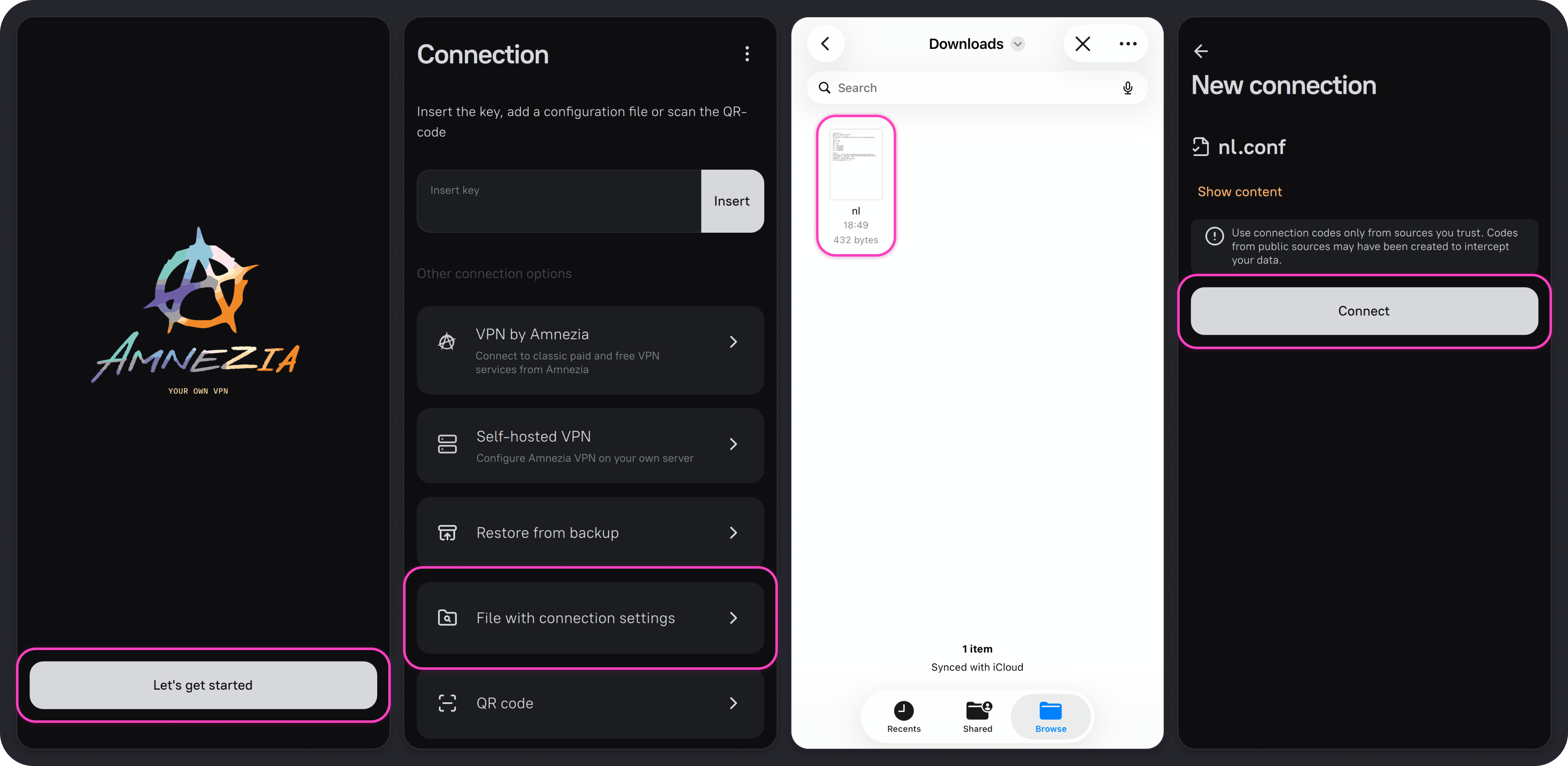
- Open the AmneziaVPN app and tap ➕ (plus icon) or the Get Started button if you have no other connections.
- Select the Connection settings file option.
- Select the previously downloaded
.confor.jsonfile and tap Continue → Connect.
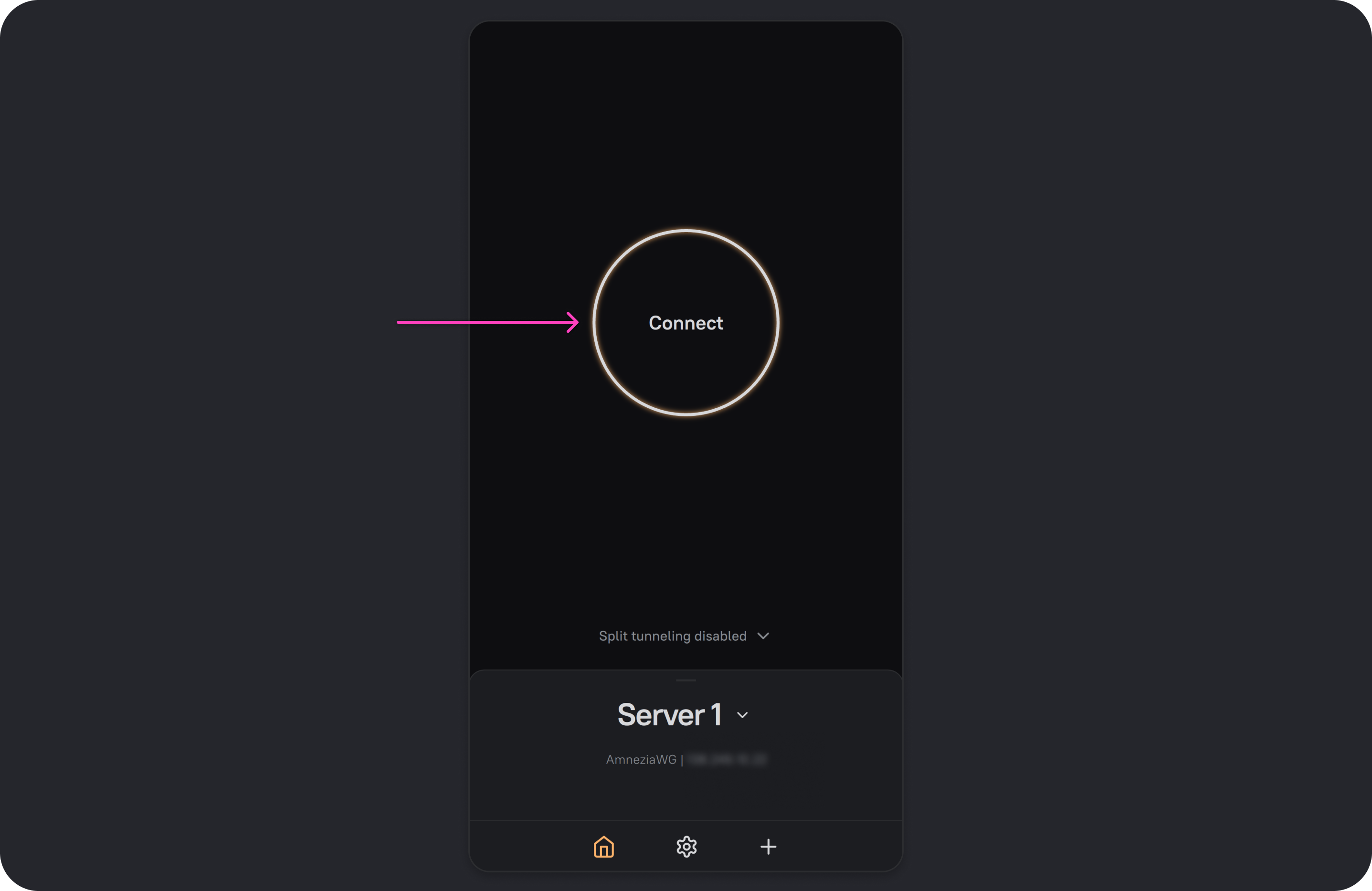
A new connection has been created — you can connect.
Where to get a configuration file:
- Amnezia VPN — in the personal dashboard (mirror)
- Amnezia — in the TG bot
- Amnezia Self-hosted — in the AmneziaVPN app, Share VPN section
AmneziaVPN does not support creating a Shadowsocks connection using a .json file — use a connection key instead.
Do not use configuration files from public sources: they may have been shared with the intention of intercepting your personal data.